
Step 1: Once validation is complete, your certificate is issued. You'll receive it by email, and you can also download it from the certificate page in your CheapSSL account.
The resulting certificate is a CRT file — copy its text in full.
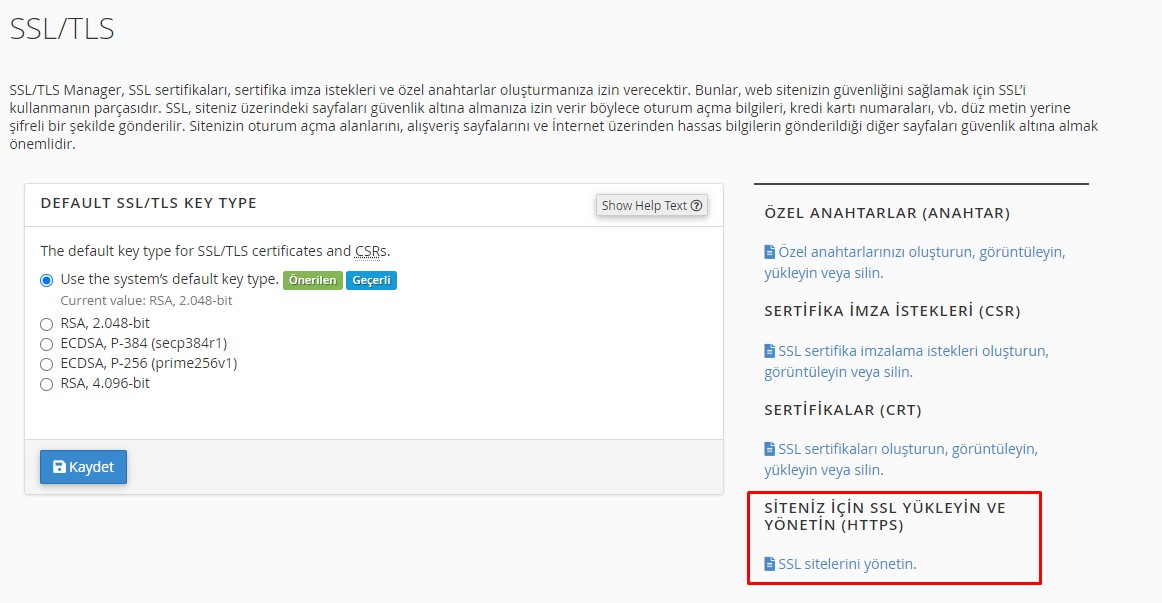
Step 2: Log in to cPanel, go to Security > SSL/TLS, and open "Manage SSL Sites".
Step 3: Paste the CRT certificate text you copied into the field labeled "Certificate: (CRT)". Then choose the "Autofill by Certificate" option.
Your SSL Certificate is now installed and your website is secure!

Can't find the answer you need?
Contact Us